See Exactly What's Inside Your Member Dashboard
No guesswork before you pay. These are real screens from the dashboard members use every day — search grants, track deadlines, research funders and write stronger proposals, all in one place.
- 8 core tools, one login
- Real screenshots, no mockups
- Desktop & mobile ready
All screenshots are from the live member dashboard, captured from a demo account.
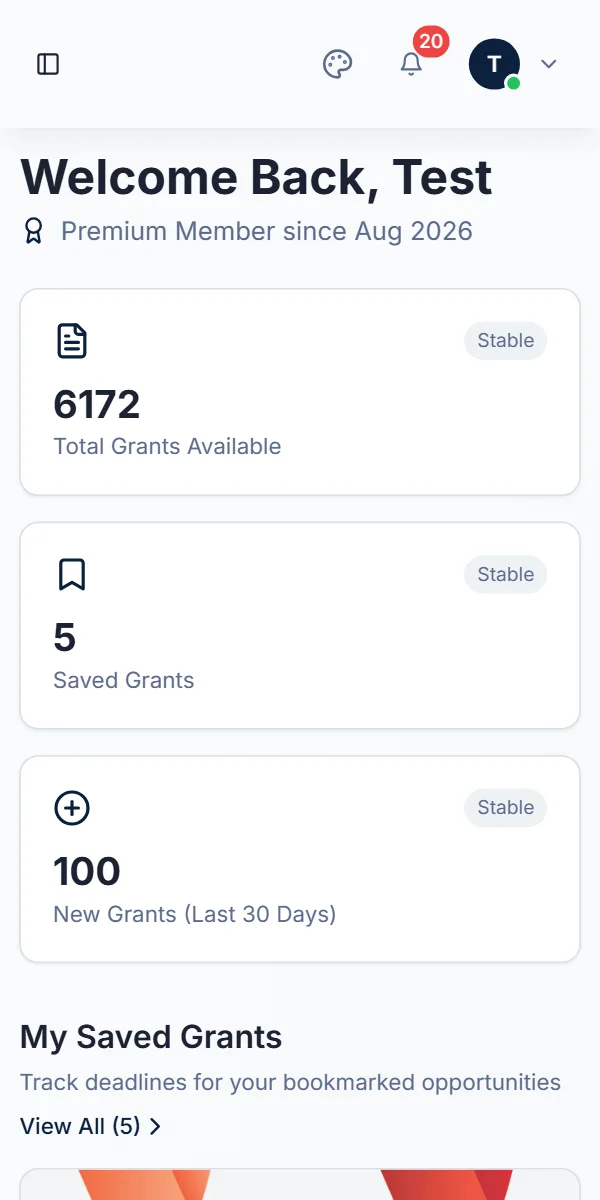
Everything starts on one home screen
Log in and land on a personal dashboard with fresh grants, articles, e-books and closing deadlines in one feed.
- Resource Center with grants, articles and e-books together
- Search and sort the feed in seconds
- Your saved grants and their deadlines in one place
Search the full grant database
Browse every verified opportunity from governments, foundations and global institutions — with the funding amount and deadline visible at a glance.
- Keyword search across every listing
- Sort by newest or by soonest deadline
- Switch between list and grid views
Filter down to the grants that fit you
Combine filters for content type, location, grant amount, deadline and funding organisation, and preview matching results before you apply them.
- Live preview of matching opportunities
- Apply your filters to personalise the dashboard home
- Reset anytime and start a new search
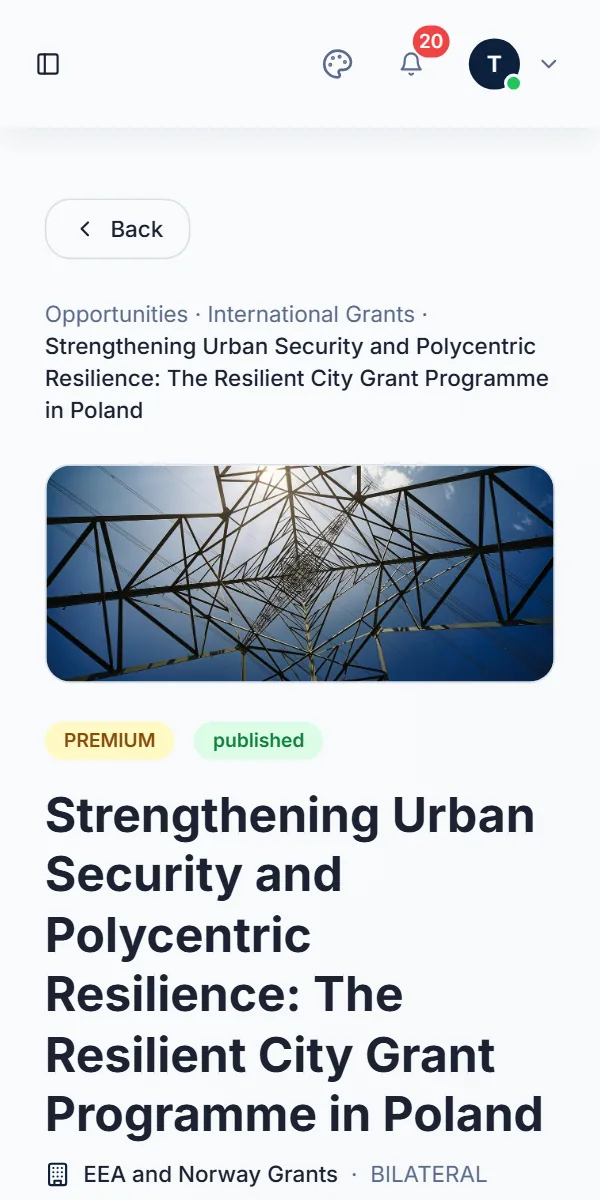
Everything about a grant on one page
Open any listing to see the deadline, grant size, donor and category next to the full description — then go straight to the application.
- Deadline, grant size and donor at a glance
- Full description and focus areas
- Apply Now, copy the link, or save it for later
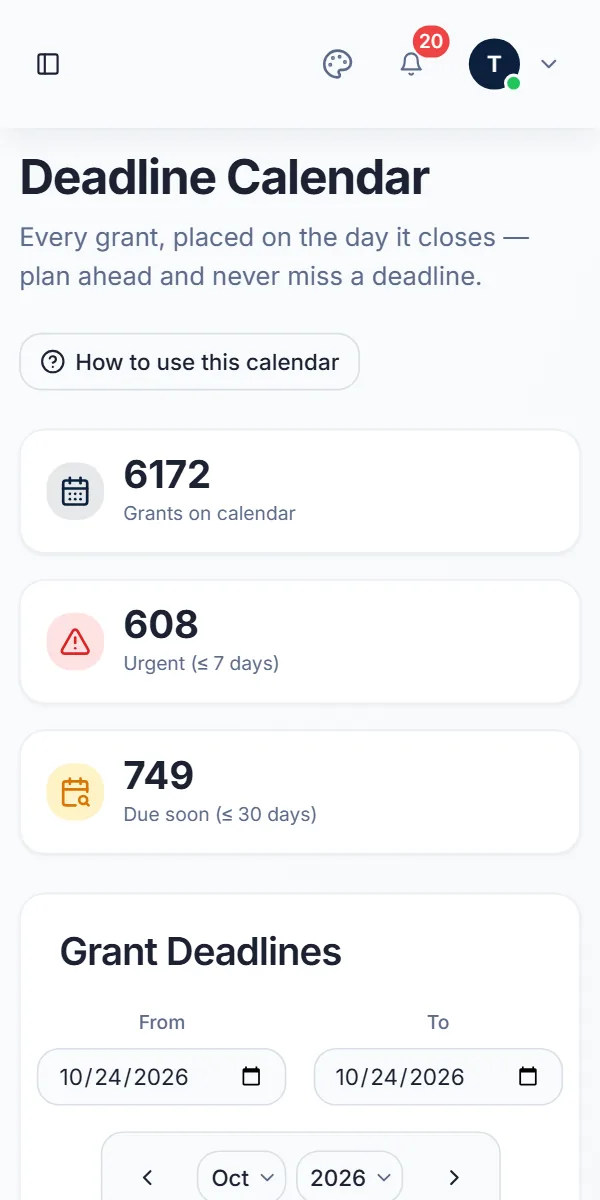
Never miss a deadline
Every grant sits on the day it closes. Colour-coded dots show what is urgent, what is due soon and what is further out.
- Click a day — or a date range — to list what closes
- Urgent (7 days) and Due Soon (30 days) lists
- Jump months and years ahead to plan applications
See new opportunities first
A dedicated view of grants added most recently, so you can act on new calls while there is still time to prepare.
- Just Added cards with funding and days left
- Separate views for individual and company grants
- Upcoming and deadline-based grant lists
Know the funder before you apply
Research foundations, governments and multilateral agencies — what they are, where they work and which grants they offer.
- Filter funders by country and area of interest
- Organisation type and website on every profile
- See a funder's grants from their profile
Write with proven examples
Study real grant proposals organised by sector, then preview or download them to shape your own application.
- Proposals grouped by sector and theme
- Preview before you download
- E-books and articles alongside for guidance
Works just as well on your phone
Check a deadline between meetings or read a grant on the go — the dashboard adapts to any screen.
Swipe to see more →